Skip to content
Dotpeenator™ Logo

ERP generates the serial number, the operator marks the part

A production order is opened, and the system generates a serial number for each part. That number is then jotted down on a piece of paper, manually typed into the marking machine's screen, and marked. Every step in between depends on human input.

There are two weak links in this chain. The first is data entry error: a digit is skipped, or the previous part's serial number remains on the screen. The part enters production with the wrong number, and the mistake is often discovered only after shipment. The second is lack of verifiable proof: during an audit, the answer to "how do you know this part was marked?" relies entirely on the operator's statement.

Markbridge™ is middleware software that bridges the gap between your ERP/MES system and your marking machine. It pulls the serial number from your ERP, sends it directly to the machine, and writes the machine's confirmation back to the ERP once marking is complete. The operator enters nothing, transfers nothing.

The result in one sentence: The serial number in the ERP matches the serial number on the part exactly, and there is a verified record of when, on which machine, and under which work order every single part was marked.

What Does SERMATEK™ Markbridge Guarantee?

Proof

Not guesswork

If the machine hasn't confirmed, the system does not mark it as "complete"; it moves it to the review queue

1:1 Exact

ERP and part match

The sole source of the serial number is your ERP; the machine's internal counter is never used

Seconds

From work order to machine

The job reaches the machine's queue the instant the production order is approved

One-way

Network requirement

A single connection from ERP to the middleware; no need to expose your machine network

How It Works

Markbridge™ touches your production flow at four critical points without requiring any data entry from the operator.

  1. Work order is created. When a production order is approved in your ERP, the system generates serial numbers corresponding to the quantity of parts to be produced. The sole source of serial numbers is your ERP; the machine counter is never used.
  2. Job is sent to the machine. Markbridge creates a marking job for each part and queues it on the machine. This transmission never holds up your production planning interface: even if the machine is powered off or unreachable, the work order is approved normally, jobs accumulate in the queue, and they are dispatched as soon as the machine is back online.
  3. Part is marked. The operator loads the part and initiates the cycle. The marking layout and data are already loaded on the machine; nothing is entered on the screen.
  4. Machine confirms. Once the marking cycle is finished, the machine notifies Markbridge which part was marked. This confirmation is recorded in the ERP, closing the part's traceability loop.

Unverified status handling

Feedback may not always get through—a network connection might drop or a machine might restart. In such cases, Markbridge™ checks the machine's queue to determine what happened, and never presents assumptions as verified facts.

If the machine has not confirmed execution, the record is not closed as "marked"; instead, it is sent to the review queue. When the operator physically inspects and approves the part, this approval is logged in a dedicated field as a separate event. This ensures that an audit can always distinguish between "machine-verified" and "manually approved."

This crucial distinction is what sets Markbridge apart from simple data transfer scripts.

Benefits

Eliminates the risk of incorrect serial numbers.

The number passes directly from the ERP to the machine. Because manual data entry is eliminated, errors such as dropped digits, marking with the previous part's number, or logging against the wrong work order are completely prevented.

Enables audit-proof traceability.

Every part is logged with "timestamp, machine ID, and work order ID," backed directly by the machine's own confirmation signal. During an audit, you present verifiable system records rather than operator assertions.

Reduces operator workload.

No tasks remain other than loading the part and starting the marking cycle. Manual note-taking, typing on control screens, and paper checklist sign-offs are eliminated.

Keeps production independent of software uptime.

Production planning never halts if the middleware service or machine is temporarily unreachable. Jobs queue reliably and resume processing automatically once the connection is restored.

Manages multiple marking fields in a single job.

Serial numbers, part codes, production dates, QR codes, DataMatrix codes, and more: every variable field in your layout template is transmitted to the machine in a single job payload. Content per field is dynamically configured on a per-product basis.

Who Is It For?

Markbridge is engineered for manufacturers subject to part-level traceability mandates or those striving to establish stringent quality control standards.

By Industry: Automotive and tier suppliers, aerospace, defense, oil & gas, energy, marine, and electronics manufacturing. The common denominator is the absolute requirement for bi-directional part traceability in the field or along the assembly line.

By Production Type: Any manufacturing process requiring serial number tracking. The exact same workflow applies seamlessly from high-mix custom fabrication to high-volume production batches.

By Scale: From a single-machine workshop to a multi-line smart factory. In small setups, the ERP and middleware service can reside on the same server; in large facilities, the middleware operates within the machine subnet while the ERP resides on the corporate network.

In short: If you generate serial numbers in your ERP and mark them onto parts, Markbridge eliminates manual transfer completely.

Supported ERP and MES Systems

The Markbridge core is designed to be ERP-agnostic. Business logic, state management, and machine communication protocols reside in a unified core; only a lightweight adapter is required for each ERP system. This transforms integration with a new platform from custom ground-up engineering into fulfilling a standardized interface contract.

Out-of-the-Box Integration

Odoo 19: Fully integrated native module for the manufacturing suite. Includes serial number generation from manufacturing orders, job queuing, status synchronization, and review queue dashboards. No additional custom development required on the Odoo side.

Custom Adapters on Demand

Dedicated adapters can be engineered for systems like Logo, Netsis, Mikro, Canias, and Nebim based on your project requirements. Timeline and scope depend on the integration interface provided by the ERP; we clarify details during technical discovery.

Proprietary Software and In-House Systems

Markbridge exposes a standard REST API. If you run an in-house ERP, custom MES, or shop-floor tracking system, you can integrate directly via this API without requiring an intermediate adapter.

You can dispatch jobs, query real-time execution status, and read machine definitions through the API. The feedback pipeline is read from the same interface, meaning your system does not need to expose inbound ports.

Installation and Commissioning

Markbridge runs on a compact industrial computer deployed alongside your marking machines. This appliance operates continuously, resides on the same local network as the machines, and communicates securely with your ERP. No hardware modifications to your existing machines are needed.

On the network side, all we require is one-way connection authorization from your ERP server to this appliance. The machine network never needs to be exposed externally; the middleware service never initiates outbound calls to your ERP, and data is exchanged strictly when queried by the ERP.

In plant environments where inbound connections to the factory floor network are restricted, the appliance establishes an outbound encrypted tunnel, eliminating the need for firewall rule modifications.

Commissioning Steps

  1. Network Discovery: We assess which subnets your ERP and marking machines occupy and whether routing exists between them. This step is completed during the proposal phase to determine the optimal deployment topology.
  2. Device Deployment: The middleware appliance is installed near the machines, connected to the local network, and provisioned with the software.
  3. Machine Configuration: Your marking systems (Dotpeenator or Laserator) are mapped in the system, template field variables are bound, and feedback endpoints are configured.
  4. ERP Integration: The connector module is installed; product definitions, work centers, and routing rules are mapped.
  5. Acceptance Testing: The entire data pipeline is validated end-to-end using a single-part test work order: verifying that the serial number generated in the ERP is marked identically onto the part and that the machine's completion signal is received back in the ERP.

Commissioning is not considered complete until the acceptance test is passed. This step is not a formality; because a misconfiguration in the feedback loop may produce no other symptoms, this test is the definitive proof that the integration operates flawlessly.

Post-Commissioning Diagnostics

Overall system health can be inspected via a single command: real-time machine statuses, pending job queues, and recent feedback logs are visible on a single dashboard. Whenever troubleshooting is required, this diagnostic overview is the primary reference point and typically pinpoints the root cause immediately.

Frequently Asked Questions

Do I need to replace my existing marking machines?

Markbridge is compatible exclusively with next-generation Dotpeenator SA14 and Laserator MARKBOX-TC control units.

Will production stop if the network or power goes down?

No. Even if the middleware service is unreachable, work orders are approved normally and jobs remain safely in the queue; operations resume automatically once connectivity returns. Production scheduling is never blocked by temporary software unreachability.

What happens to the part record if the machine fails to send feedback?

The part is not lost. Markbridge periodically queries the machine's buffer to determine its status. However, it never treats inferences as verified facts: the record is not marked as "complete" but is flagged for the review queue. If the operator inspects and confirms the part manually, this approval is recorded in a separate field and is never conflated with machine-level confirmation.

What if our ERP system is not on the supported list?

There are two options: We can develop a dedicated project adapter for your system—since the core architecture is ERP-agnostic, this does not require starting from scratch. Alternatively, your development team can integrate directly via the Markbridge REST API.

How many machines can be connected simultaneously?

Multiple marking machines can be connected to a single middleware appliance. Each machine is configured individually with its own queue and status monitoring, allowing jobs to be managed on a per-machine basis.

Are there any manual tasks left for the operator?

Only loading the part and pressing start. Because the marking content is pre-loaded on the machine alongside the work order, no manual data entry is performed on the screen. If a job is diverted to the review queue, physical part inspection and manual sign-off are handled by the operator.

What determines the deployment timeline?

The decisive factor is network architecture. Deployment is rapid in facilities where ERP and marking machines share the same network; when separate VLANs or subnets are involved, timeline depends on securing required network permissions. For this reason, network discovery is conducted during the quoting stage.

Does Markbridge transmit our production data externally?

No. The middleware service runs locally within your infrastructure and does not transmit data outside your network. All communication between the ERP and marking machines remains strictly inside your private network.

Industries Requiring Mandatory Traceability

Markbridge delivers the highest value in manufacturing environments where components must be fully traceable back through the supply chain and assembly lifecycle.

Automotive

Automotive

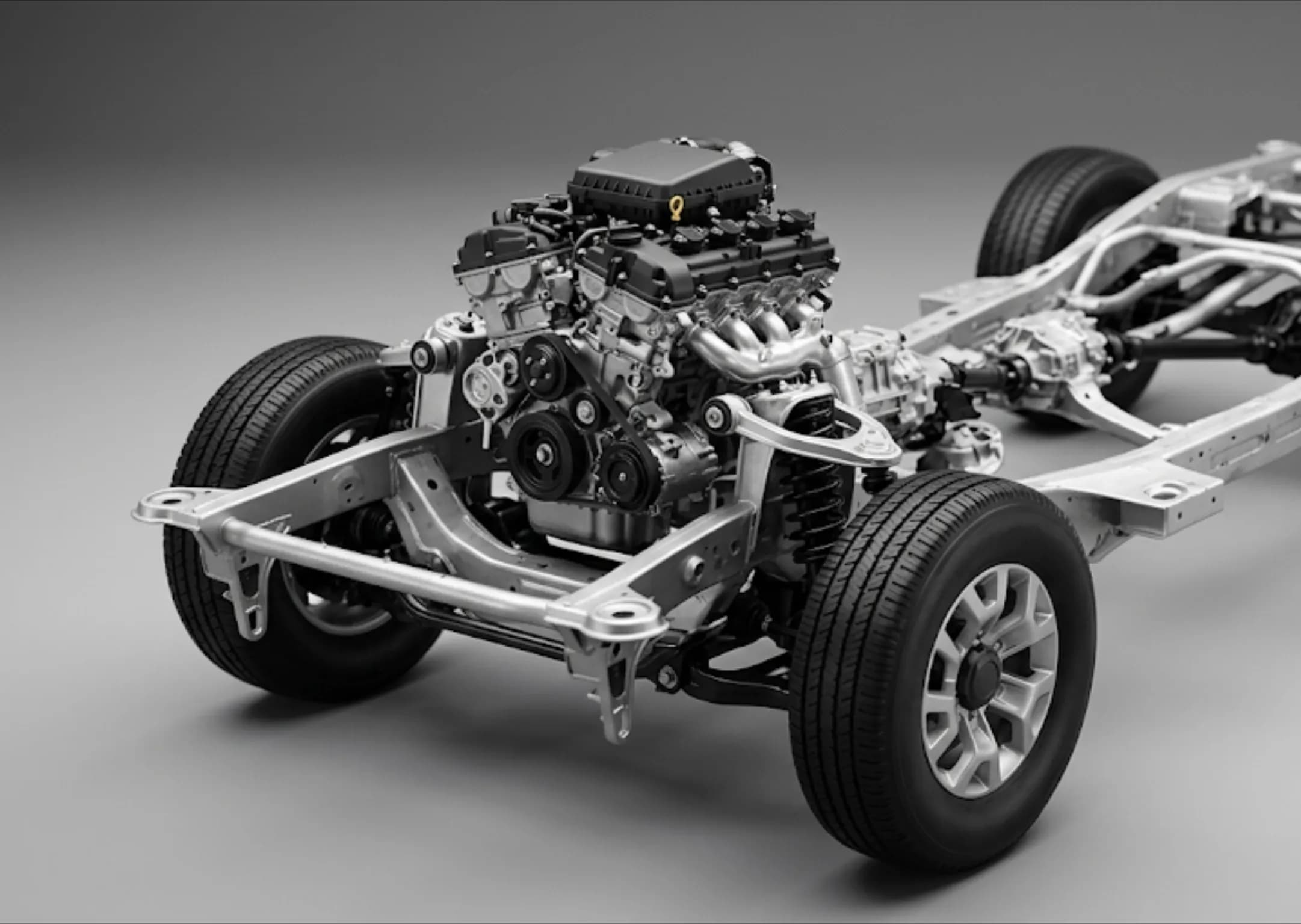
The automotive industry is one of the leading industries that uses dot-matrix marking machines most intensively to ensure high speed, zero-error, and traceable parts on mass production lines. This technology is preferred for engraving indelible identification information and 2D DataMatrix codes onto thousands of vital parts, from vehicle chassis (VIN) and engine blocks to brake discs and drivetrain components. These deep marks, created during production, maintain readability throughout the vehicle's lifecycle despite harsh external factors such as electrophoretic coating, oven painting, lubrication, and challenging road conditions. As a result, dot-matrix marking prevents the use of counterfeit parts and logistical errors, while ensuring automotive manufacturers operate in full compliance with global quality standards and legal regulations.

Explore
Aviation

Aviation

The aerospace industry widely utilizes dot-matrix marking machines for traceability of all critical parts and components to ensure the highest level of flight safety. This technology is preferred for engraving permanent serial numbers and 2D DataMatrix codes onto many sensitive components, from jet engine parts and landing gear to turbine blades and avionics system housings. Designed to aerospace standards, low-stress marking tips perform the process safely without creating microcracks or material fatigue on metal surfaces. As a result, dot-matrix marking provides indelible tracking on aerospace parts exposed to extreme temperatures and vibrations, while offering full compliance with stringent international aviation regulations such as AS9132 and AS9100.

Explore
Defense Industry

Defense Industry

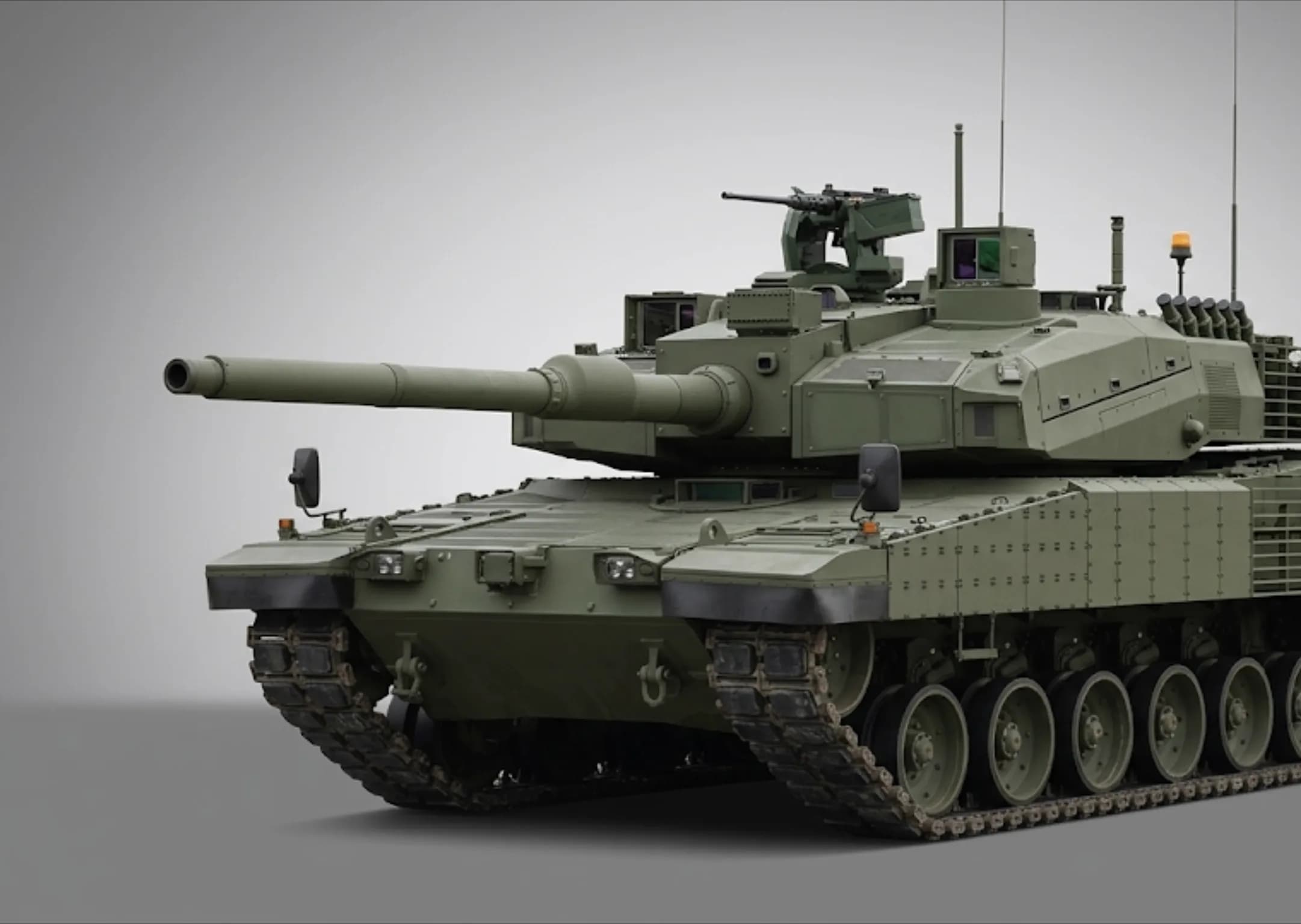
The defense industry utilizes dot-impact marking machines for the traceability of all ammunition and equipment due to critical factors such as the success of military operations, national security, and component accuracy. This technology imprints indelible serial numbers, logos, and 2D DataMatrix codes on a wide range of military inventory, from light weapons to heavily armored vehicle parts, missile bodies, and UAV components. The system, which creates deep marks on the surface using a physical impact method, ensures that the markings remain legible for life, despite extreme conditions such as mud, high heat, chemicals, and friction in the battlefield. As a result, dot-impact marking prevents the use of counterfeit parts, safeguarding military logistics, while offering full compliance with international military standards, primarily MIL-STD-130.

Explore
Oil, Energy

Oil, Energy

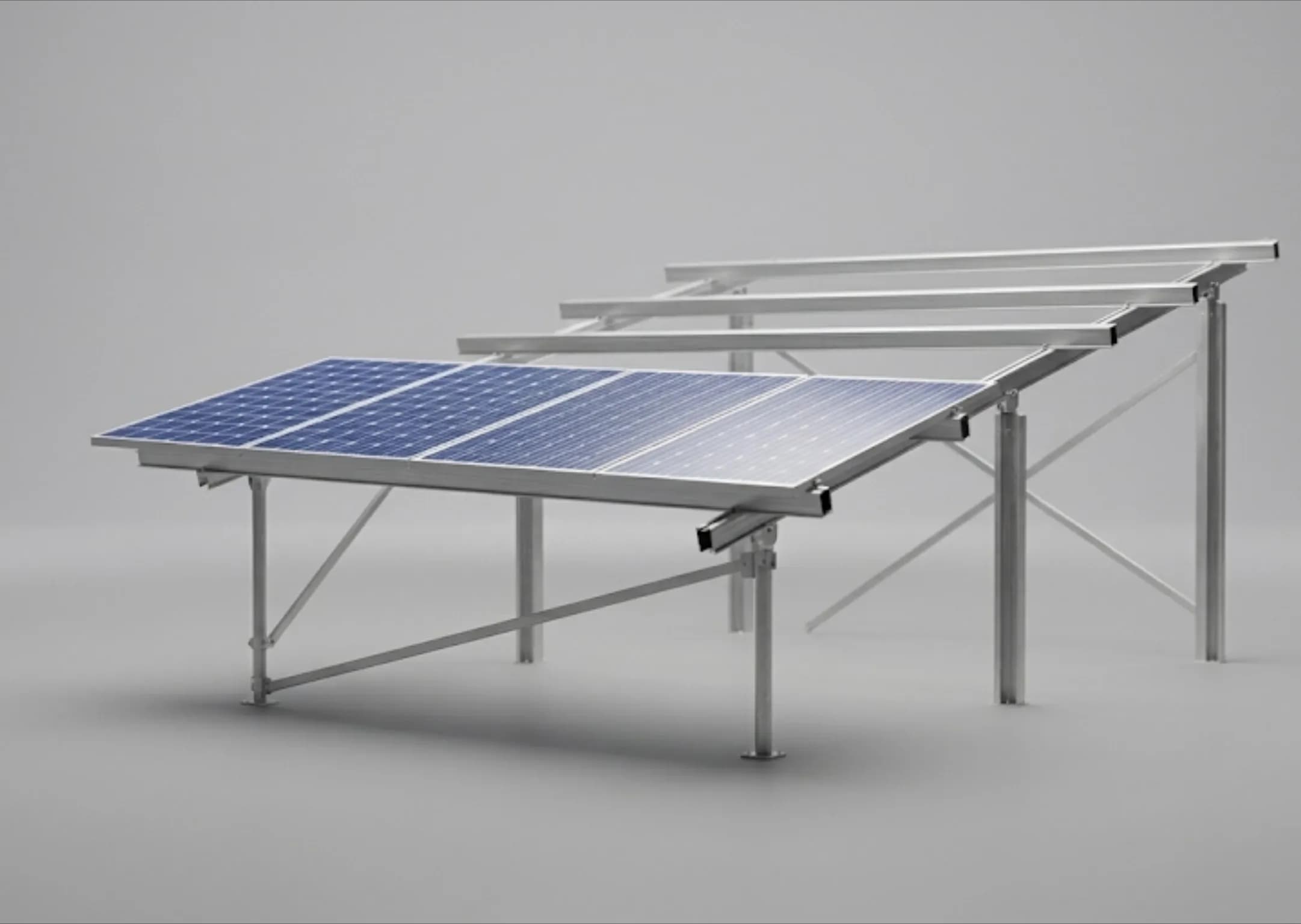
The oil and energy sector heavily utilizes dot-matrix marking technology for the secure tracking of equipment exposed to high pressure, corrosion, and extreme weather conditions. This method is used to permanently engrave part numbers, alloy information, and traceability codes onto critical components such as drill pipes, flanges, valves, and wellhead equipment. The low-stress impact structure offered by dot-matrix marking does not create microcracks in metals under high pressure and maintains readability even after heavy field painting. As a result, this technology optimizes asset management in challenging field conditions while fully complying with international safety and quality standards such as API and ATEX.

Explore
Power Electronics

Power Electronics

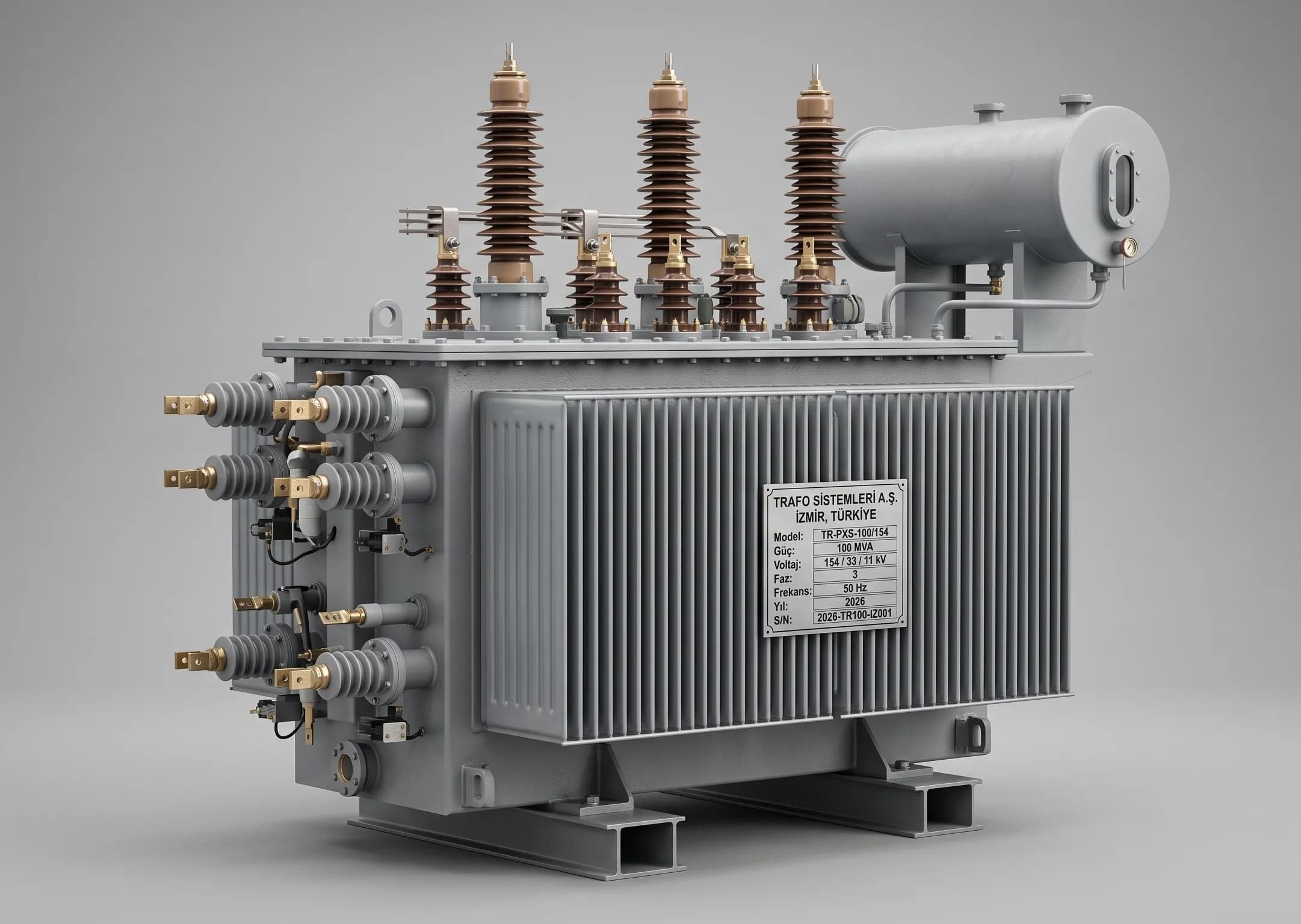
The electrical and power electronics sector heavily utilizes dot-matrix marking technology, particularly in infrastructure components requiring high durability, such as power electronics, transformers, generators, and heavy-duty industrial distribution panels. This technology is preferred for engraving indelible technical data, schematics, and 2D DataMatrix codes onto thick copper busbars, cast electric motor housings, and metal construction site cabinets. While laser systems are prominent for sensitive circuit boards (PCBs), the deep marks offered by the dot-matrix method provide unparalleled permanence on heavy electrical equipment exposed to outdoor conditions and high current heat. Consequently, this method facilitates the secure tracking of electrical assets in challenging industrial environments while offering full compliance with international electrical safety and traceability standards.

Explore
Precious Metals

Precious Metals

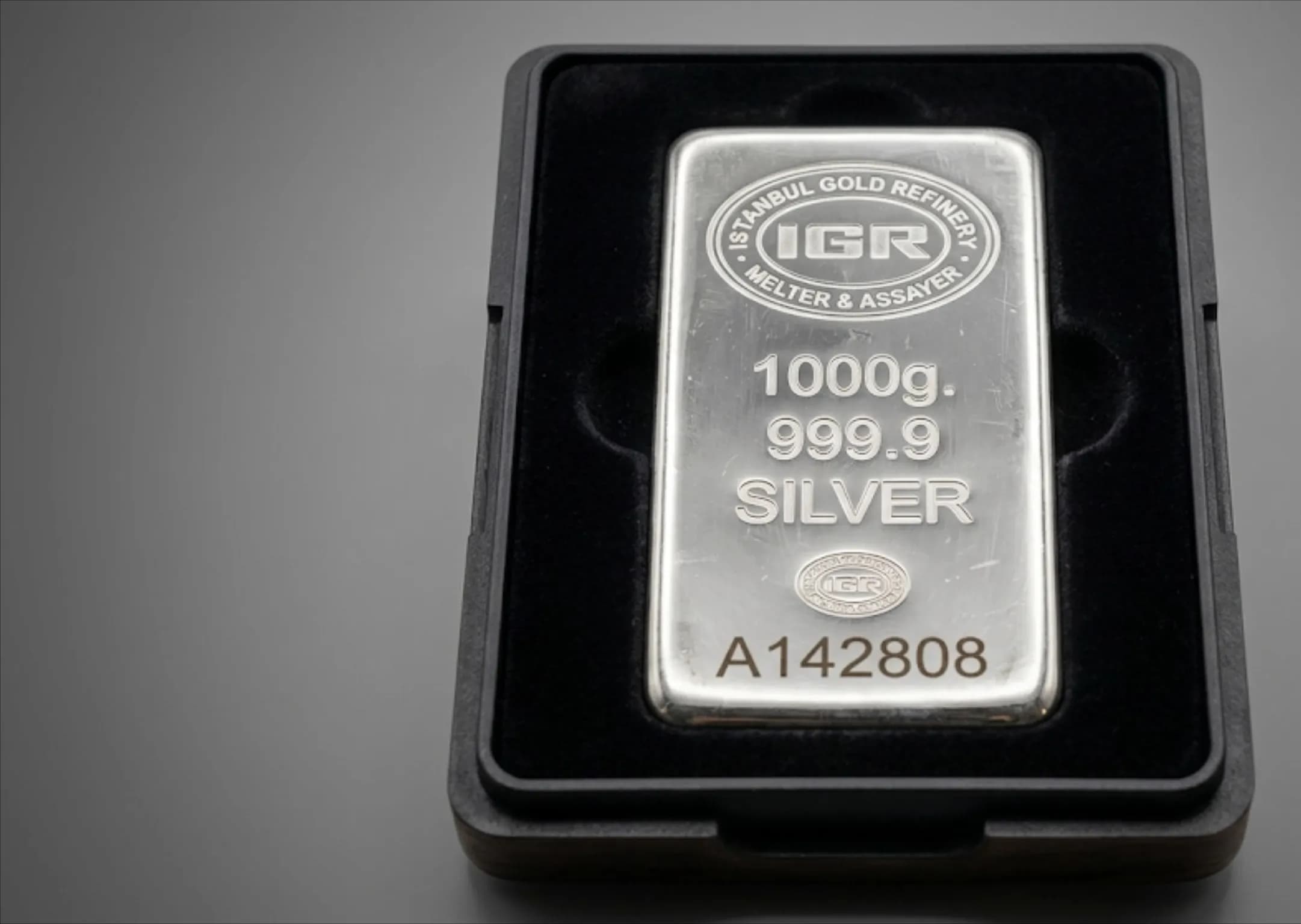
The precious metals and refining industry actively uses dot-matrix marking machines to ensure the security and traceability of high-value gold and silver bullion. This technology permanently imprints critical data onto the bullion, such as weight, purity level (millem), refinery logo, and a QR code enabling digital tracking. The dot-matrix method marks by shaping the metal without removing material from the surface (without chip removal), thus preserving the precise milligram-level weight of precious metals. Consequently, this system minimizes the risk of counterfeiting and enhances product safety, while facilitating full compliance with the stringent certification standards of internationally respected organizations such as the LBMA.

Explore
Shipping industry

Shipping industry

The shipbuilding industry widely utilizes dot-matrix marking machines to ensure durable and permanent part traceability against harsh marine conditions. This technology is used to engrave indelible serial numbers, logos, and QR codes onto many critical components, from ship plating and engine parts to valves and safety equipment. This deep marking process, performed using a physical impact method, maintains its readability even after rigorous shipyard processes such as rust removal, sandblasting, and intensive painting. Consequently, dot-matrix marking facilitates compliance with international maritime standards while making inventory management and maintenance processes in shipyards safer and more effective.

Explore

Connect Your Production Line to Your ERP

Tell us about your machine inventory and current ERP system; let's identify the ideal deployment configuration for your network architecture.